An AI dating coach for iOS
Court gives users feedback on dating profiles and conversations. It uses their screenshots, profile details, and previous chats to suggest replies and offer advice.
I built and maintain the iOS app, backend, AI integrations, website, admin dashboard, and subscriptions.
View project →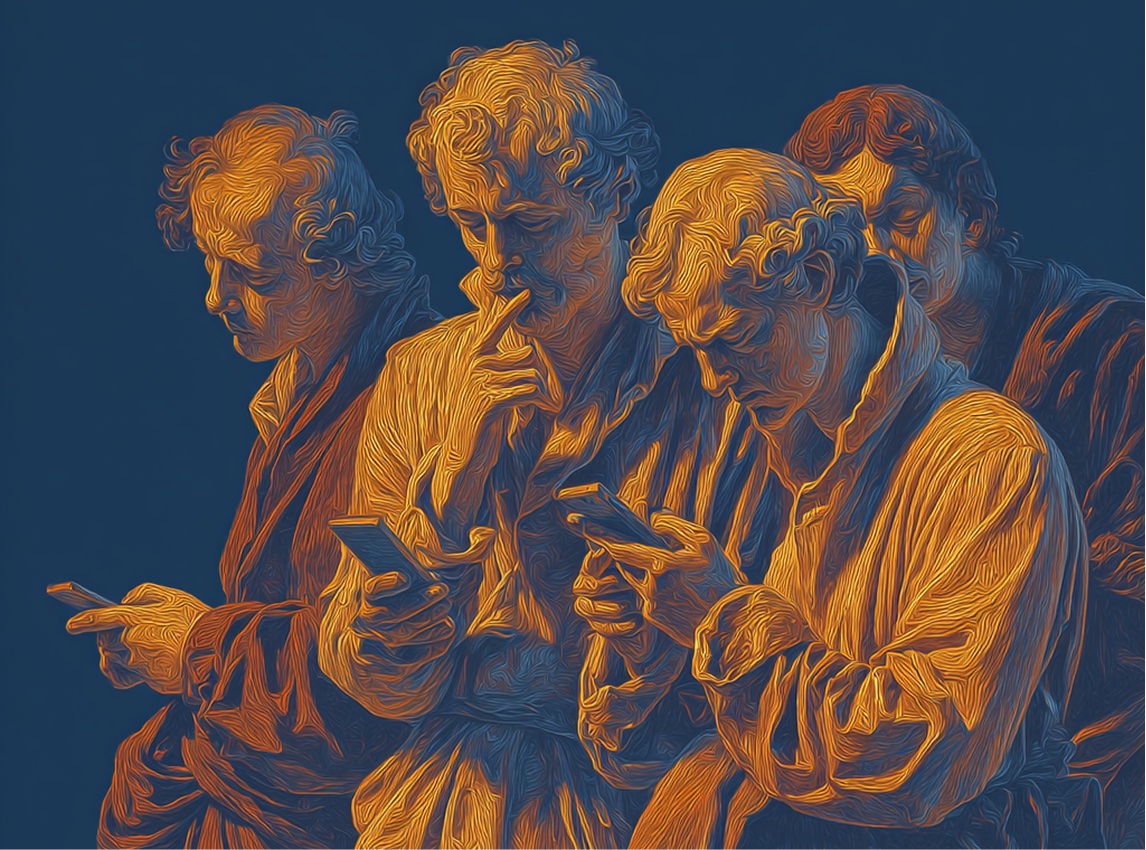
Overview
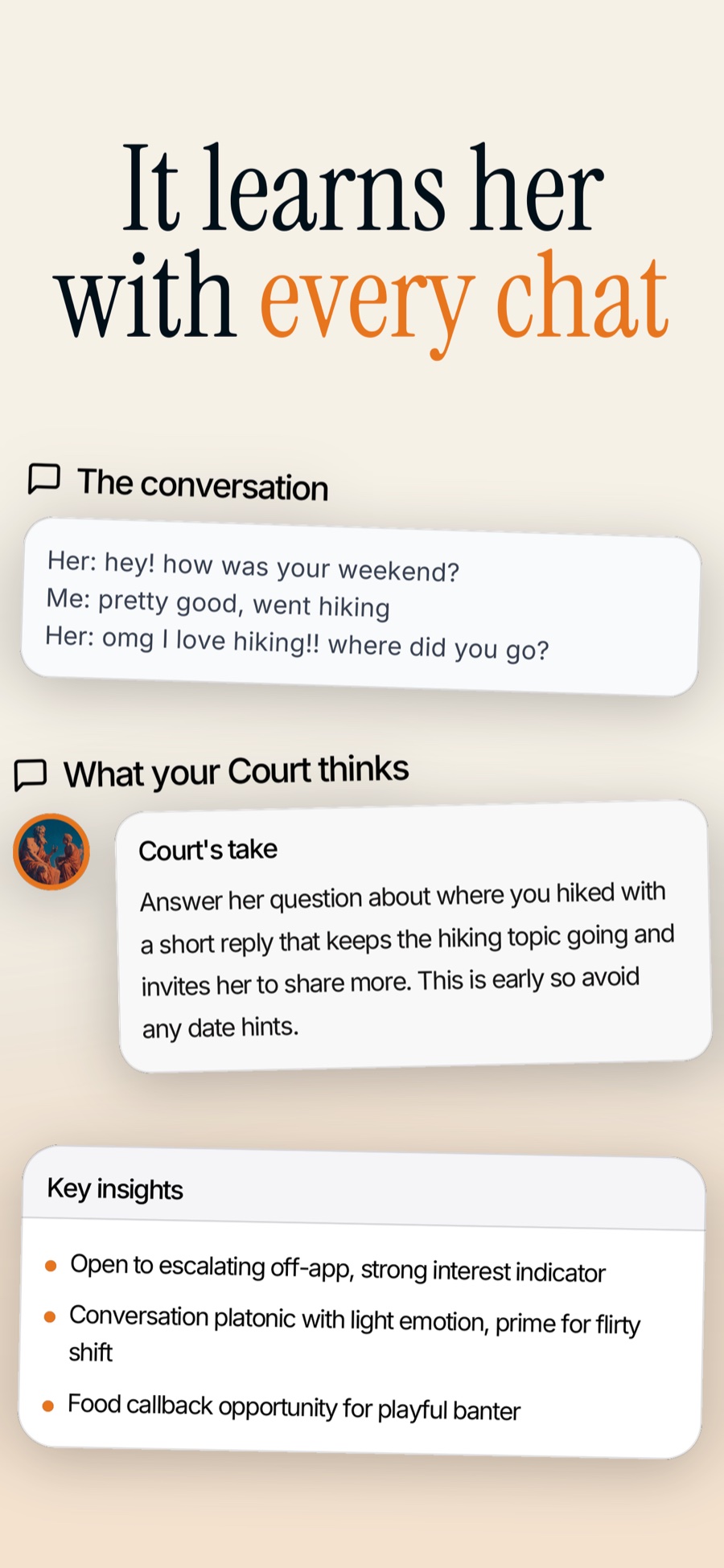
Users can upload a conversation for reply suggestions, review their profile, or ask for feedback on a date recording.
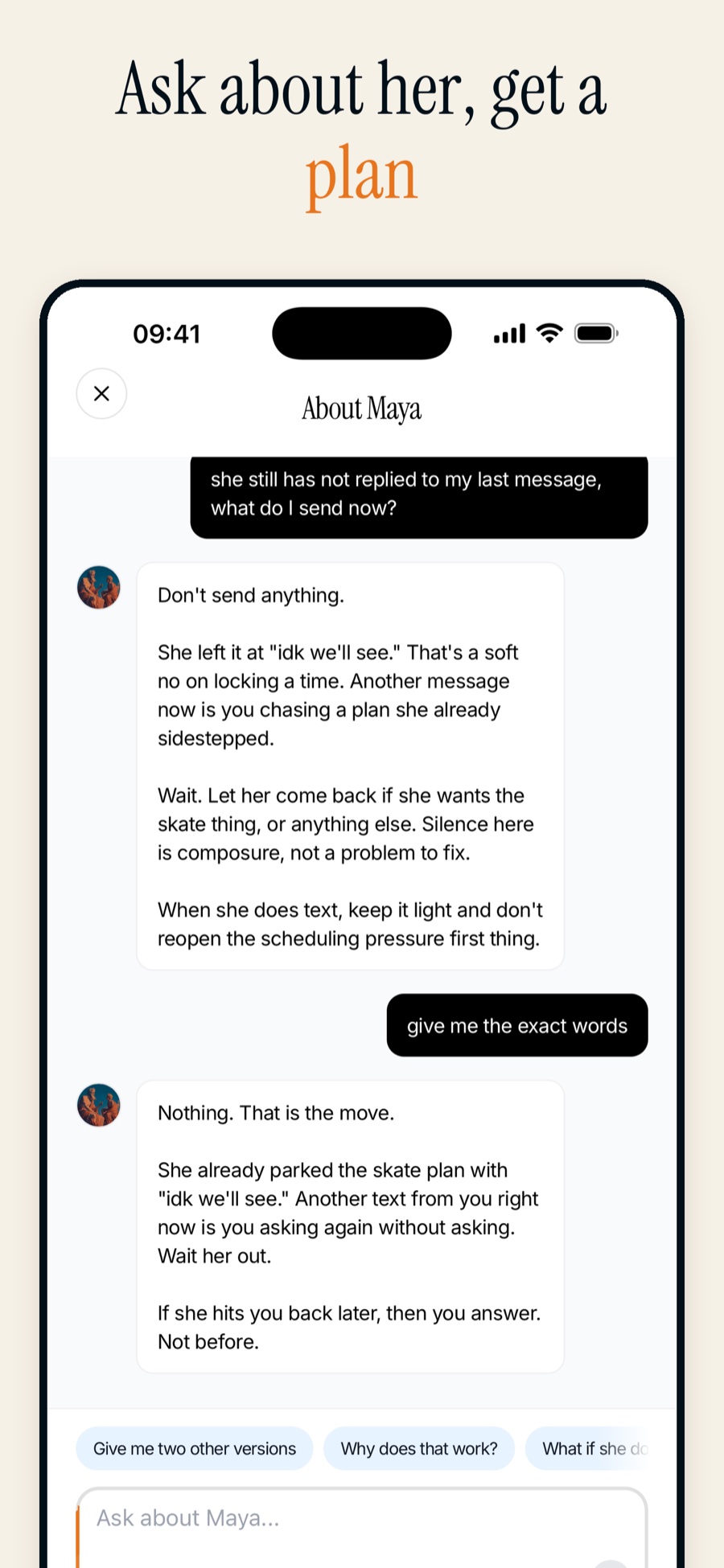
The app also includes written guides and a chat advisor that remembers previous conversations.
Messages and profiles
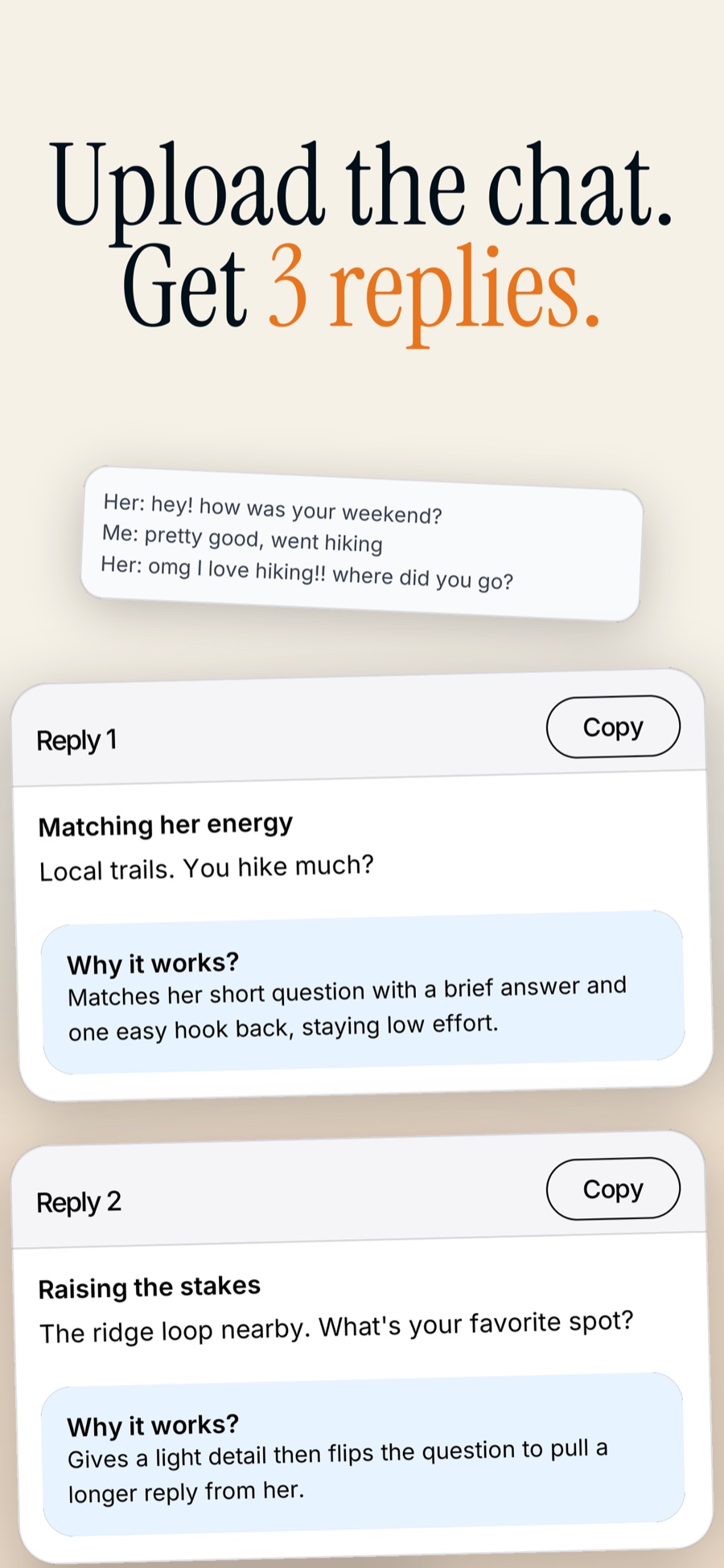
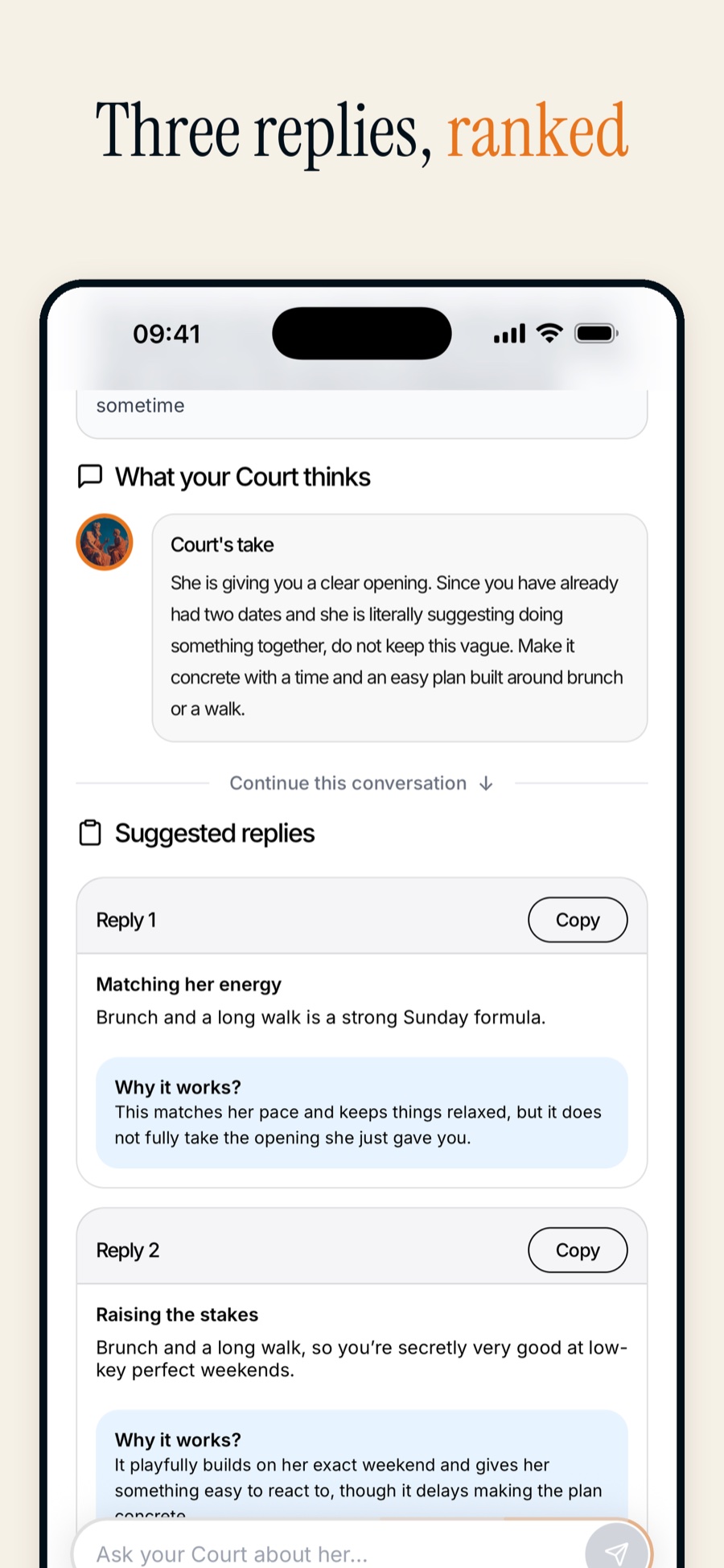
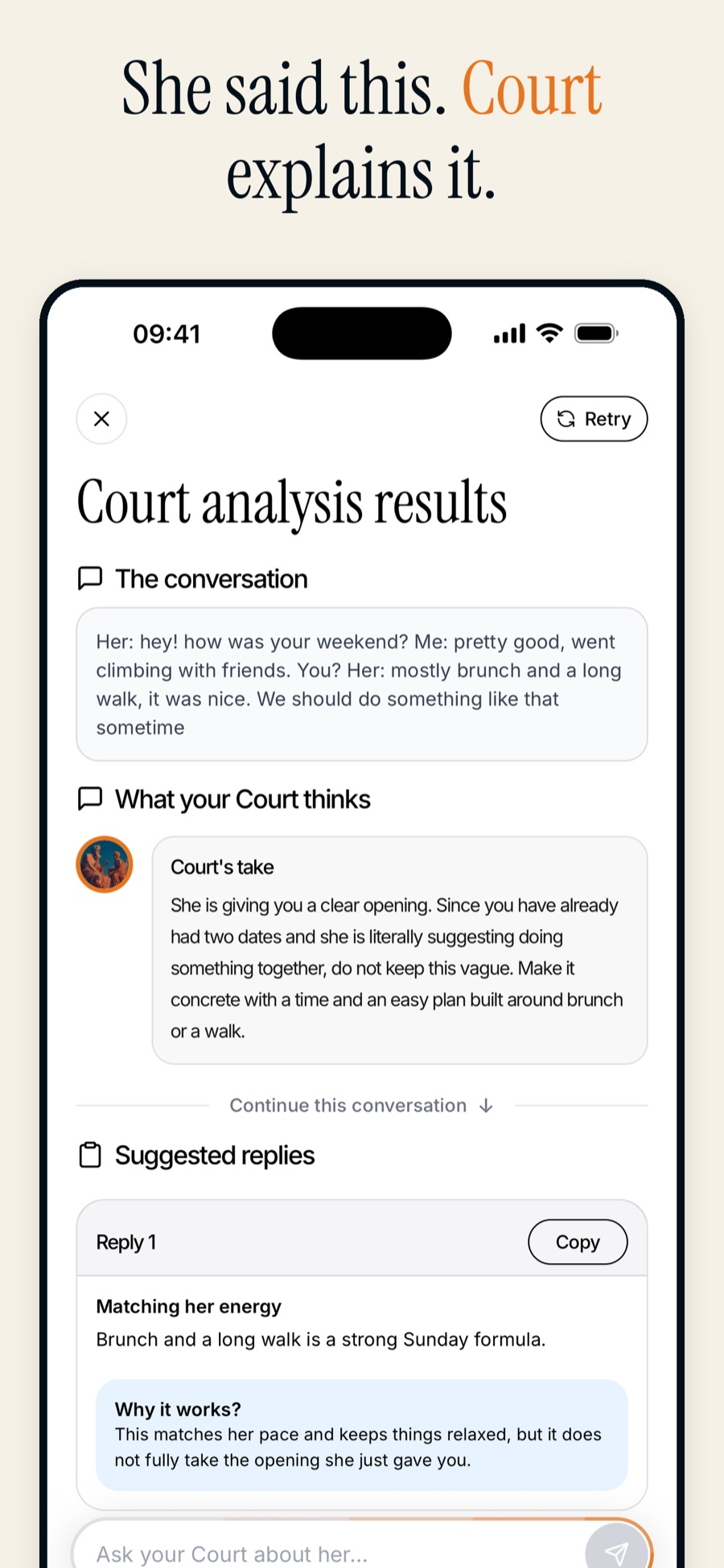
Message Help reads screenshots or pasted conversations and suggests three possible replies. It uses the conversation to decide whether to suggest asking for a date. Openers uses profile details to suggest a first message.
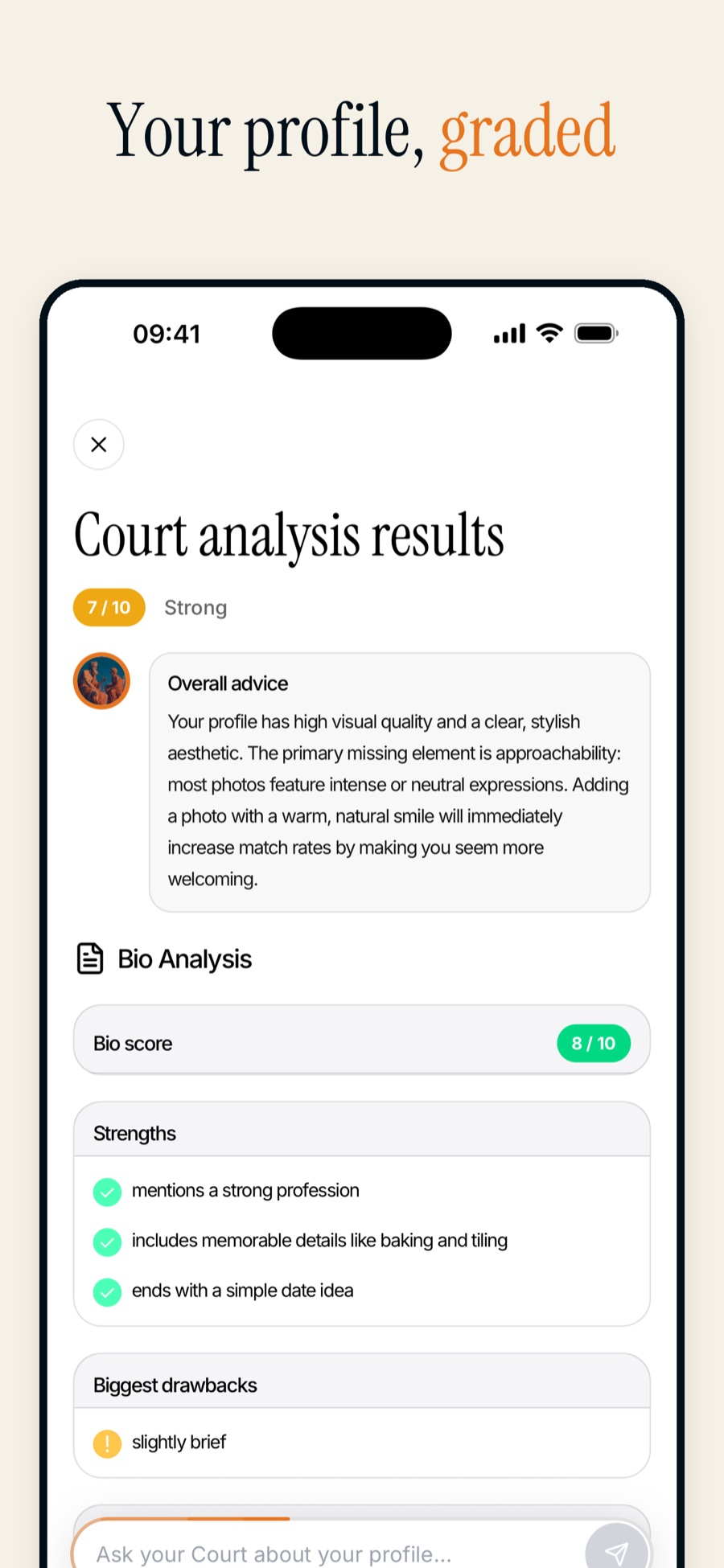
Profile Review gives feedback and scores for the profile, photos, and bio. Photoshoot generates profile photos from selfies, using preset scenes or licensed template photos.
Conversation feedback
Date Feedback transcribes a recording and gives feedback on tone, pacing, and confidence. I added speaker labels so it could distinguish the user’s words from the other person’s. In a blind review, incorrect speaker attributions fell from 16 of 189 claims to none of 187 claims after the change.
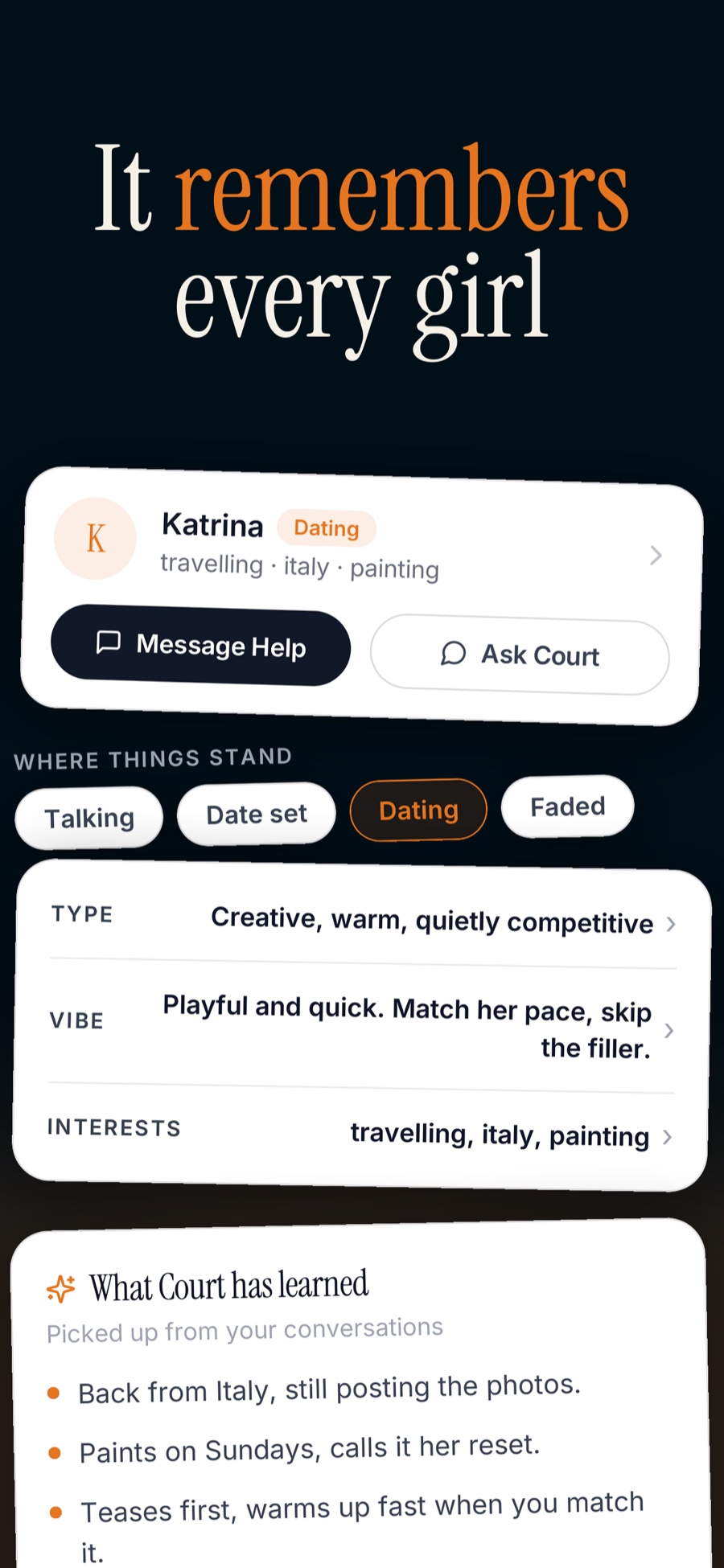
The Advisor uses previous chats, screenshots, and details saved for each connection. Users can keep notes and a conversation history for each person they are talking to.



Guides and progress tracking
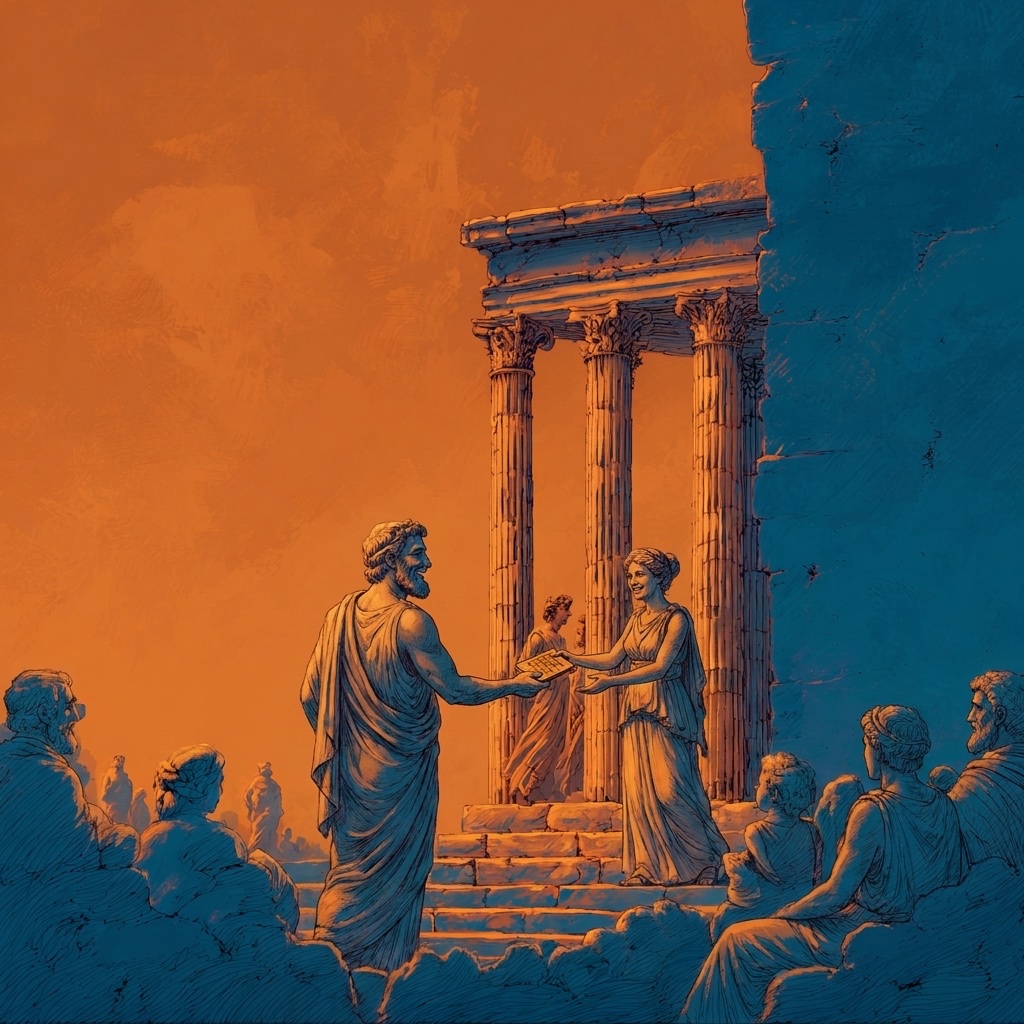
The app includes illustrated guides on starting conversations, messaging, first dates, and handling rejection. Daily Tally lets users track approaches, exchanged numbers, and dates, with progress charts and optional reminders.

Development
I built the iOS app with Expo and React Native, and the backend with NestJS, PostgreSQL, and Supabase. RevenueCat manages subscriptions. Usage limits follow each subscription period, and slower AI tasks run in a background queue.
Different tasks use models from x.ai, OpenAI, and Google, selected through blind comparisons. I added prompt-injection checks and usage tracking. Screenshot reading is evaluated on 52 jobs containing 96 screenshots. An image orientation check, calibrated on 502 rotated images, catches sideways photos that previously caused speaker identification errors.
The app, website, and store listing use the same orange and navy illustrations.
Subscriptions and releases
Plus and Pro subscriptions are available weekly, monthly, and annually across 175 territories. I manage pricing through the App Store Connect API and connect purchases to RevenueCat. Weekly plans include a three-day trial, with the renewal price and billing period shown before purchase.
I build iOS releases locally, compare their configuration with the last accepted release, validate them, and submit them through App Store Connect. Maestro runs checks in the simulator before over-the-air updates. The app can require an update when an older version is no longer supported.
I also manage an Apple Ads campaign and track where installs come from. An admin dashboard shows users, subscriptions, background jobs, campaign attribution, and releases.